On this page
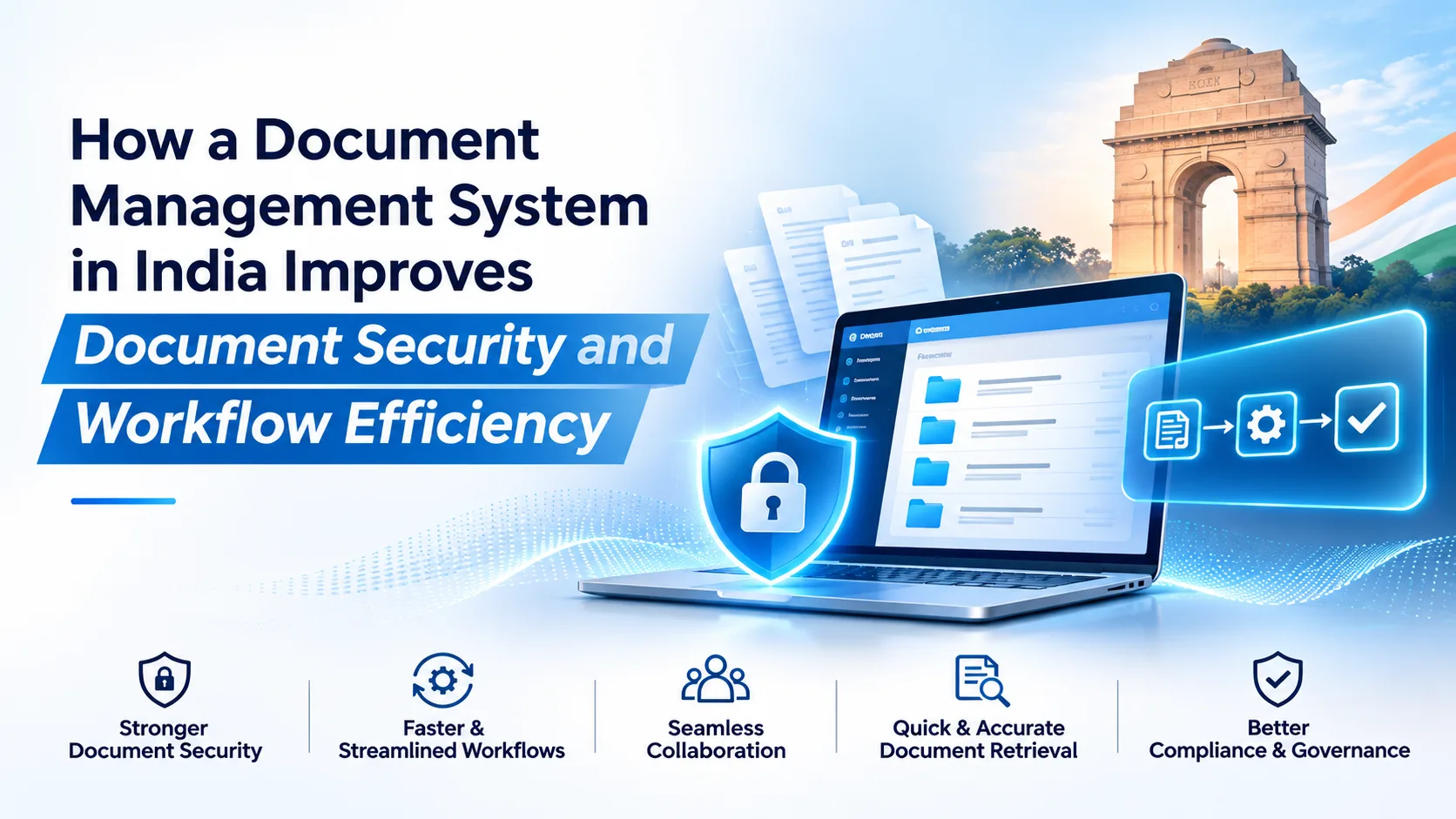
Document Management System India focuses on security by ensuring only authorised people can open, edit, or share files, with an audit trail. It streamlines workflows by replacing long email chains and manual follow-up, while letting you search instantly for records, approvals, and more.
The cost of a data breach in India hit a record high of Rs 25. 5 crore (US$ 3. 16 million) in 2026 a 15. 9% increase over the previous year, according to IBM.
This blog explains why you need a DMS -
A DMS keeps your documents highly secure using access controls, detailed audit trails, encryption methods and versioning tools.
It accelerates work processes through automated approval flows, centralised storage facilities and quick search functionality.
DMS help companies be ready for audits at all times and prepares them for any future data protection standards.
When choosing a system, base it on your requirements regarding security, scalability, integration aspects and good local support resources.
Why Indian Businesses Need a DMS Now?
A document management system is software that stores, controls and tracks business documents in one place. Indian businesses need this right now because the law expects records to be held for many years, data protection regulations are almost fully enforced and electronic records can be used in court cases.
1. DPDP Act Regulation
Under section 128(5) of the Companies Act, a company’s books of account must be retained for at least eight financial years. GST - registered businesses have a similar duty. Their records should be kept for 72 months after the due date of the annual return. That is a lot of invoices, contracts and approvals to keep. A good first step is a retention schedule.
2. Data protection rules are close to full enforcement
Managing the records is one thing but safeguarding them is yet another. The primary consent, notice and breach requirements under the DPDP Rules start on May 14, 2027. The maximum punishment of up to ₹250 crore applies to a Data Fiduciary that doesn't have proper security measures in place.
A DMS supports those safeguards with role-based access, encryption and an audit trail showing who has opened or modified a file. The location of the data holds importance too, so consider India-cloud-hosted or on-site hosting as per your industry needs.
3. Electronic records are legally valid
After you record and secure the storage of records, they also need to stand up in court. Sections 3 and 4 of the Information Technology Act, 2000 give digital signatures and electronic records valid legal authority and the Companies Act enables books of account to be saved in digital form.
4. Audit gets faster
All of this matters most at the time of an audit. When version history, timestamps and search are in place and teams can retrieve the right document within minutes. This is where Audit Trail becomes important in TeamSync every document event is cryptographically signed at the moment it is written and added to a tamper-evident chain so the history of a document shows exactly who acted on it. More information is available on the TeamSync compliance audit trail page.
How a Document Management System Improve Document Security?
In everyday use, secure document management involves three questions one is who can read a document, what happens to it once it is accessed, and knowing that you can retrieve it if things go wrong.
Having a document management system will help answer these questions. The cost of not having document management in India in 2026 is 40.9 crore, particularly in financial services.
Role-based controls
Everyone can only see the information they need to do their job. You can also give users permission to do certain things on a specific folder/document. If someone’s account gets hacked, or they accidentally share something, they have less to worry about. You can centrally remove users’ access if they leave or change roles.
Data encryption
You can encrypt data making it unreadable if someone loses their device or a connection gets intercepted. With controlled sharing, you can share documents outside your organisation. Documents cannot be forwarded like attachments; they can only be shared using a link with set permissions. They can also be set to expire after a certain date.
Version control
Integrity is just as important as confidentiality. Version control means there is only one up-to-date version of a document, with previous versions being kept available so that teams aren't working from an out-of-date copy. If something is edited in error or without authorisation, it can always be restored.
How does a DMS improve workflow efficiency?
Securing documents is only part of the value because most of the time an organisation spends is on transferring documents to staff members. In many companies, these documents are still stored in email and computer memory. Document workflow automation replaces this manual handover with defined steps.
Automated approval routing
Approvals are where the queue builds up. A contract, an invoice or a policy change has to be passed from hand to hand. With automated approval routing, the process automatically forwards the document to the first person, proceeds to the next in line when it is approved and uses business rules to route the document further along if no one has yet approved it within the specified timeframe.
Search that understands documents
Routing will only solve part of the discovery challenge. Companies need people to be able to locate those documents in the first place. The single biggest problem we see in scanned files: the document cannot be searched until it has been subjected to optical character recognition (OCR). After the document's text has been identified, metadata extraction tags each document by type, party and date.
Collaboration without email attachments
As your team can tell you, it also costs time when a document is circulated via an attachment. Each person gets a copy; comments appear as you go; and one person has to pull all the responses together. If you're using a DMS, all reviewers work on one document at the same time and their comments and decisions are attached to the original document.
Traditional Document Management vs a DMS
Area | Traditional document management | Document management system |
Storage | Physical cabinets, personal drives and email folders, often in several locations | One central repository with a consistent structure |
Access | Depends on where the file is kept and who holds it | Available to authorised users from any approved device |
Security | Protected by locks, folder permissions or trust | Controlled by roles, with protection built into the platform |
Search | Manual, by folder name or by asking colleagues | By content, metadata and meaning |
Approvals | Passed on by email, calls or physical handover | Routed through defined steps with reminders |
Retention | Tracked manually, if at all | Applied by rule according to document type |
Audit readiness | Records gathered by hand when requested | Records and their history already in place |
Cost over time | Low to begin with, but rising through storage space, couriers and staff time | Higher initial investment, with costs that stay more predictable |
How to Choose a Document Management System in India?
Assess whether the DMS you choose can cater for the needs of both normal daily operations and future compliance requirements.
Follow this checklist:
Centralised document repository with metadata, folders, and full-text search
Role-based access control and document-level permissions
Version control with complete version history
Automated workflows to support document approvals, reviews, and escalation
Compliance-ready exportable reports and audit trail software
Encryption of documents at rest and in transit
Allow external sharing with controls for expiry, password and downloads
Conclusion
A document management system India can be an effective solution for Indian businesses to keep their important documents safe and organised.
It can help ensure your team does not lose any files, have outdated versions, delays in approval times and confusion over who has access to sensitive information. A document management system will give clarity over who has viewed, amended, approved or shared documents.
It can help reduce the hassle within your business. If your business is currently using different folder locations, emails and chasing manually then a DMS can give a greater level of control.
Book a free demo or talk to our team to see how a DMS can help your business.