![[Image: Repository dashboard with file browser, metadata panel, version history and AI classification tags]](https://oxkshbexfevzroylleqp.supabase.co/storage/v1/render/image/public/teamsync-media/chatgpt-image-aug-1--2026--12-04-34-pm-1785565972096.png?width=1920&height=1920&quality=75&resize=contain)
Document Management and Workflow in
one Intelligent Repository
Brings your data, documents, and people together, so your teams can focus on the work that matterss.
Custom Document Types
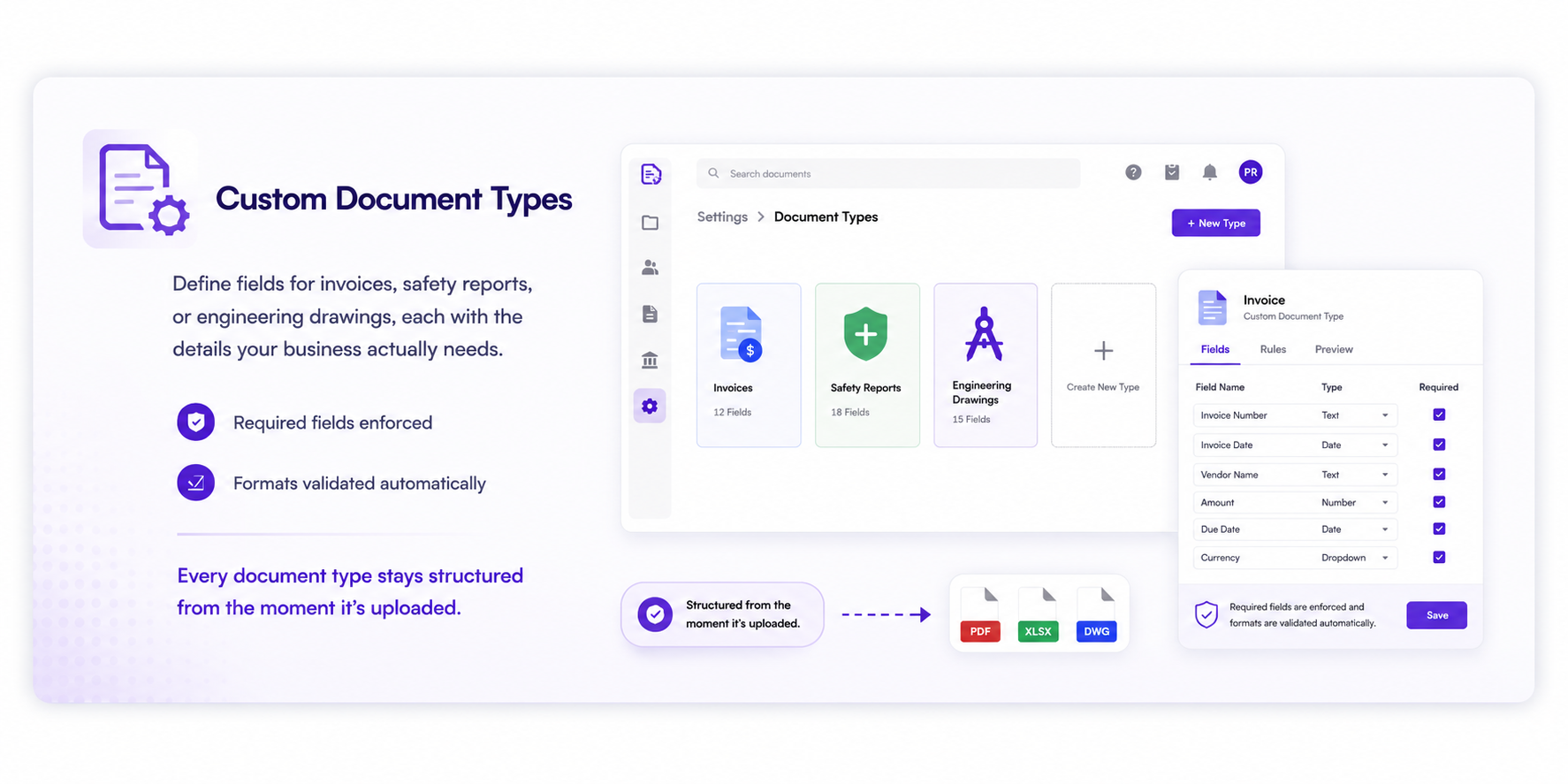
Define fields for invoices, safety reports, or engineering drawings, each with the details your business actually needs. Required fields are enforced and formats validated automatically, so every document type stays structured from the moment it's uploaded.
What Your Team Actually Gets
No migration required
Federation connects your existing storage systems, so your team gets a unified experience without moving a single file.
Every format, one search
Documents, PDFs, videos, audio, and CAD files are all searchable in a single unified interface with the same permissions.
AI-powered organization
Automatic classification, tagging, and workflow automation produce structured, searchable, governed records.
Real-time co-authoring
Edit Word, Excel, and PowerPoint files in real-time with full collaboration and version control inside the platform.
How Enterprises Use TeamSync Every Day
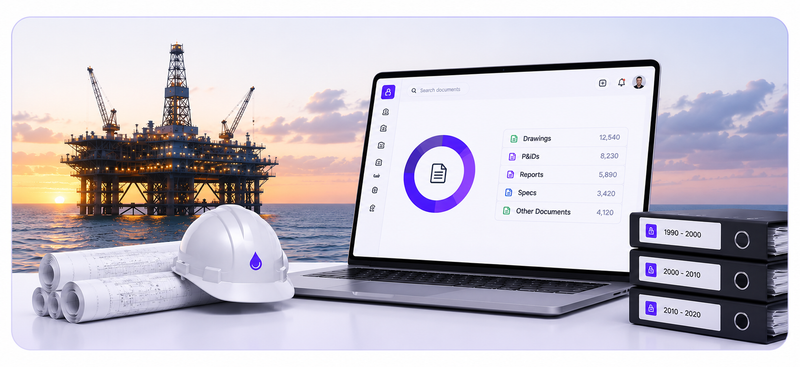
Oil company federates 30 years of engineering documents
Three decades of engineering drawings, inspection reports, and safety briefs now live in a single federated repository. No migration required.
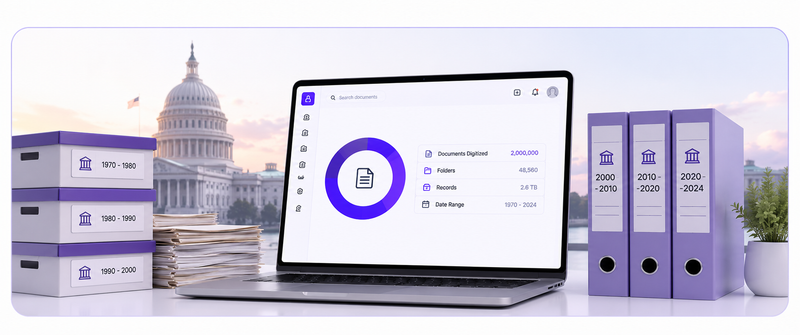
Federal agency digitizes 2M pages of historical records
A federal agency used OCR processing and AI classification to convert paper archives into searchable, governed digital records with full metadata.
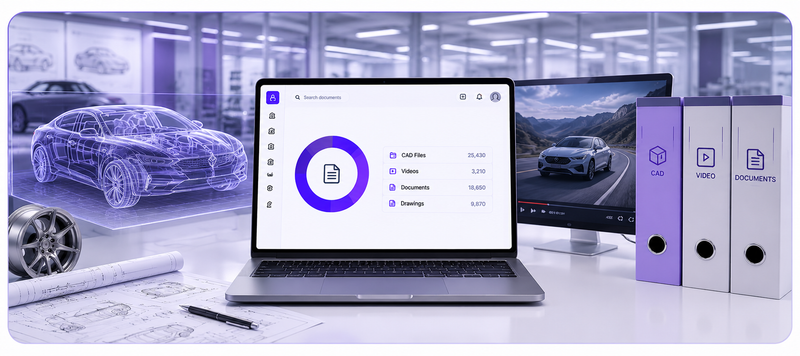
Automotive OEM manages CAD, video, and documents in one repository
Engineering teams access 3D models, inspection reports, and specification documents from a single interface with full version control.
Intelligent Repository FAQs.
Let's clear things up.
We know — repositories, metadata models and migrations can feel overwhelming. TeamSync brings them into one connected system of record.
Whether you are consolidating shared drives or replacing a legacy ECM, we are here to make the move simple and reversible.
The Intelligent Repository is the core platform that every other TeamSync capability runs on, including DocuTalk, eDiscovery, CLM, eSignatures and AI search. It brings documents, contracts, records and case files under one identity model and one audit chain, so every record can be traced back to where it came from.
No. The Intelligent Repository federates content across the systems where your regulated documents already live. Your documents stay where they are, while TeamSync governs them with unified permissions and a single audit trail, extending your existing systems instead of replacing them.
It uses metadata extraction, OCR and ICR to turn scanned and unstructured documents into structured, searchable records. Auto-classification and version control keep files organised and make sure teams always work on the latest version.
TeamSync can be deployed on-premise, so your content stays inside your own network with no cloud dependency or data egress. Role-based access control (RBAC) decides who can view or edit each document, and built-in backup and restore protects your data.
An electronic document management system (EDMS) stores, organises, secures and tracks digital documents in one place. TeamSync adds workflow, AI search and a tamper-evident audit trail on top of the repository.
30 minutes with a solutions engineer who already speaks your industry.
No pitch deck. We will either show you a clear path forward or tell you we are not the right fit. Bring the toughest question on your desk this week.