On this page
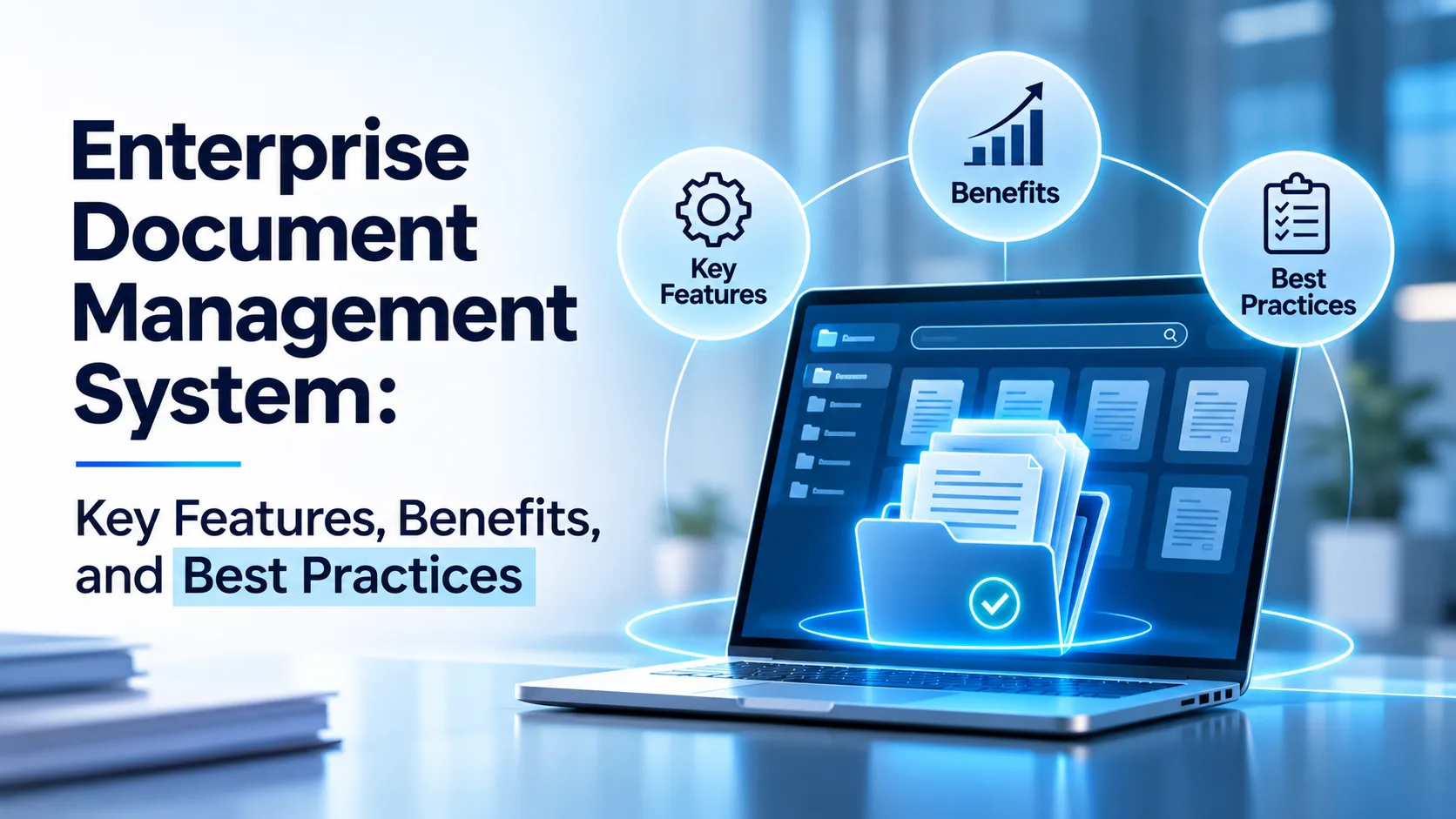
An Enterprise Document Management System (EDMS) is a software system that digitises, centralises and automates how organisations capture, store, track and manage large amounts of data, including electronic files and unstructured data.
An EDMS system makes it easier to keep documents accurate and traceable. A 2012 McKinsey Global Institute study estimated that interaction workers spend nearly 5th of their workweek looking for internal information or tracking down colleagues for help.
What Is an Enterprise Document Management System?
An Enterprise Document Management System is responsible for both storing and managing documents in one location. This makes it easier for organisations to find them for compliance or knowledge sharing.
A good document management plan automates all document-related tasks and integrates version control which improves data accuracy and access.
Key Features of an Enterprise Document Management System
1. Central Document Store / Capture - All your digital and scanned documents can be stored in one place. Upload directly or send through emails.
2. Advanced Search and Index - Employ metadata, advanced filters and AI-driven document searching to locate documents in a few seconds.
3. Document Version Control - Maintains a complete record of any changes made and allows you to return to previous versions. This helps to prevent outdated information from circulating and ensures that teams can use the approved document.
4. Role-Based Access Control (RBAC) - Determines document access based upon an employee’s role, department and job duties.
5. Workflow Automation and Approvals - Automates tasks related to documents, like reviews, approvals, contract routing and publishing. Alerts, task assignments and escalation rules help to reduce manual follow-ups and approval delays.
6. Audit Trails and Activity Tracking - Documents all file-related actions, including viewing, editing, downloading, sharing and deleting. A timestamped record of every action gives you complete accountability. You can check the log can be exported and administrators cannot edit it. TeamSync's compliance and audit trail page shows how it approaches this.
7. Data Encryption & Document Security - Protects sensitive information through encryption at rest and in transit, secure authentication, multi-factor authentication, and controlled sharing.
8. Document Retention and Archiving - Sets up predetermined storage periods for corporate documents. Your files can be archived, placed under legal hold or securely erased based on your organisation's policy.
Benefits of an Enterprise Document Management System
Enterprise document management offers many benefits to companies. We have mentioned a few below:
1. Lower Costs
With the rising cost of paper, an electronic document management system (EDM) will help you reduce costs. This can include lost files, fines, overuse of paper and data entry errors. Using a digital document management system can help reduce your overheads by 30-40% (CPA Practice Advisor), helping boost your profitability and growth.
2. Improved Processes
Manual processes can slow your team down. By digitally storing your key documents within an AI & OCR enabled DMS can help automate your process. Documents can be reviewed, approved and stored with ease. You can maintain control with secure sharing, detailed audit trails and centralised storage.
3. Improved Collaboration
A DMS makes it easy to share documents between teams within the office and remotely. By securely sharing documents using secure links, you have version control and audit trails to show changes made. All communication is captured within the system through email integration.
4. Advanced Search
A modern DMS will capture your documents and provide you with powerful search tools to easily find your files. With rich metadata included, you will be able to search for specific data or information in your files and ERP systems.
5. Cut down on Storage
A DMS will cut down on any physical storage you may have. By moving to a cloud-based DMS, you will no longer need filing cabinets or boxes. It will promote a paperless environment and help provide you with more space to invest in within your office.
6. Easy to Find
A DMS will make finding documents easy. The documents are easily searchable due to being well indexed and categorised. This helps reduce the time employees spend looking for documents.
7. Improved Security
A DMS will improve the security of data. This includes roles, encryption, audit trails and multi-factor authentication. Features such as automatic backups, retention, redaction and secure archiving will help protect your sensitive information.
8. Disaster Recovery
A DMS will provide you with disaster recovery. With backups in the cloud, you will be able to access your key documents.
Types of Enterprise Document Management Systems
EDMS can be broadly categorised into two types of deployment-based systems that decide both where and how to manage documents and functionality-based systems that determine more specifically how documents get processed and controlled.
1. Cloud-based
Cloud-based EDMS are hosted on servers belonging to third-party vendors and can be accessed via the internet, for example, Box, Google Drive and OneDrive. It is best for working remotely, rapid scaling and lower upfront infrastructure costs.
2. On-Premise
On-premise EDMS are installed and run on actual servers and equipment that your company owns in your data centre. This gives maximum control over data, allows customisation options for regulatory requirements and requires internal IT maintenance.
3. Hybrid EDMS
A hybrid EDMS combines on-site storage for sensitive or legacy documents with cloud services for teamwork and external file sharing.
Best Practices for Implementing an Enterprise Document Management System
Enterprise Document Management can support many different business scenarios.
Engineering & Manufacturing
In engineering-oriented businesses, EDM systems allow management of engineering drawings, schematics, specifications and change requests. Version control and audit trails can be applied to ensure documents are accurate.
Compliance Orientated
Many highly regulated industries will use EDM to ensure they are audit-ready, with documents that can be traced, along with retention and access logs, so you can quickly respond to any audits.
Enterprise Knowledge Management
EDM can be used to store enterprise knowledge. Policies, processes and histories can be stored to ensure knowledge is available within the enterprise.
Conclusion
Enterprise Document Management is a must for today's enterprise. As document volumes increase and compliance demands rise, enterprises require structured, secure, and scalable solutions to manage all that content.
With enterprise document management software like TeamSync, you will increase productivity, accelerate collaboration, reduce risks and improve decisions. TeamSync is designed for complete data control with on-premises, private cloud and air-gapped environments.
If you want your business to take the next step towards a paperless future, if you need a smarter, faster way to store and retrieve information, Enterprise Document Management is an absolute must.
Book a free demo now with TeamSync now.