![[Image: OCR extraction panel showing typed field output from a scanned invoice alongside confidence scores]](https://oxkshbexfevzroylleqp.supabase.co/storage/v1/render/image/public/teamsync-media/chatgpt-image-aug-1--2026--01-44-35-pm-1785571989045.png?width=1920&height=1920&quality=75&resize=contain)
Drive enterprise transformation with
OCR + ICR
Automatically extract, classify, and index printed and handwritten content.
Full-text OCR Extraction
Every scanned PDF, fax, or photo entering the repository gets processed automatically, with extracted text indexed for search and AI queries. Scanned contracts and paper certificates stop being dead ends and become first-class, retrievable records.
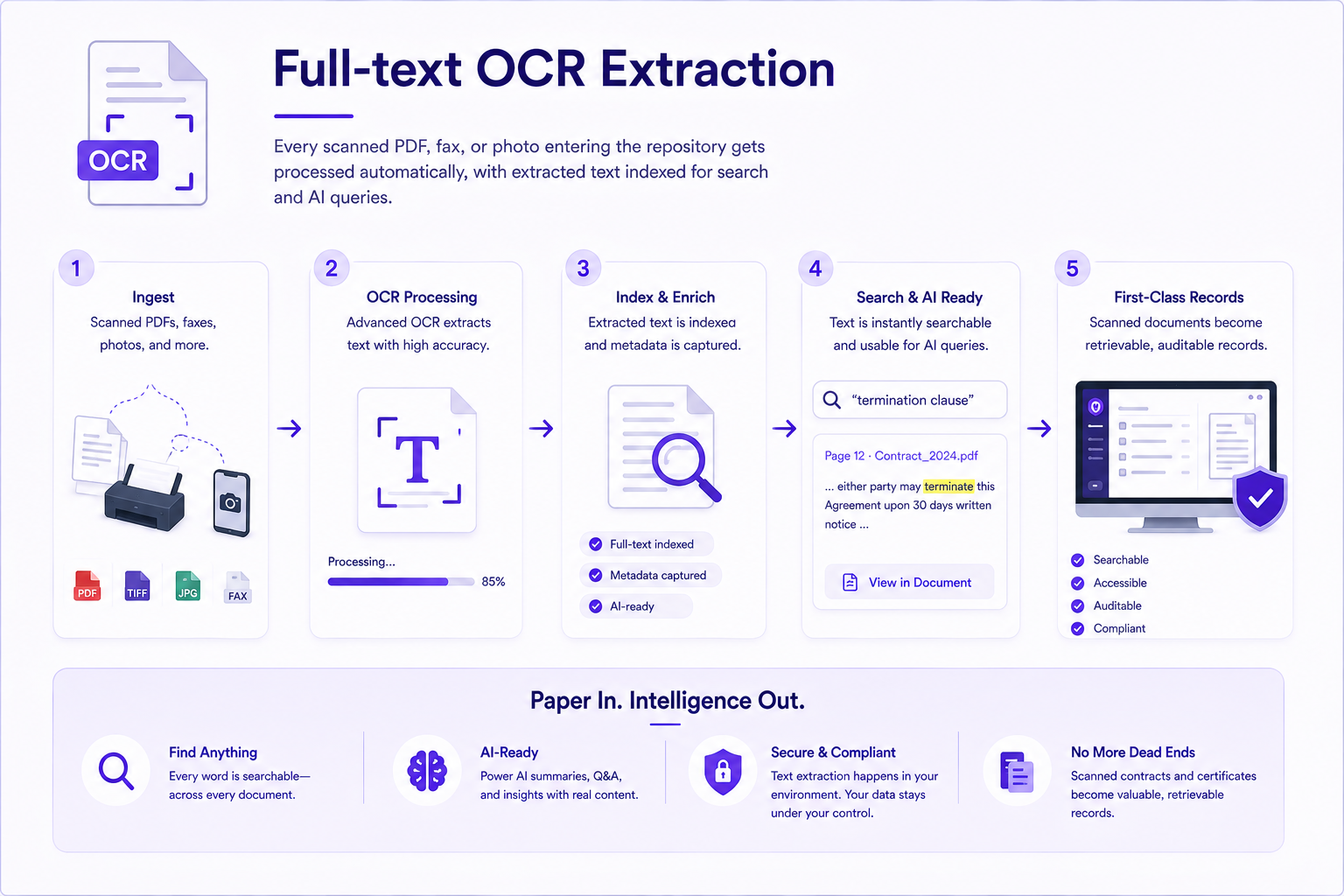
What Your Team Actually Gets
Zero manual data entry
Printed and handwritten documents are digitised and structured on ingest — no typing, no re-keying, no data-entry backlog.
Validated metadata, always
Schema validation catches missing, malformed, or out-of-range fields before they reach the live repository.
AI that learns your patterns
Auto-classification improves over time as reviewers correct suggestions — the model adapts to your document types and naming conventions.
Audit-ready from day one
Every extraction event is recorded in the tamper-evident audit ledger — who ingested, what was extracted, and when it was reviewed.
How Enterprises Use TeamSync Every Day
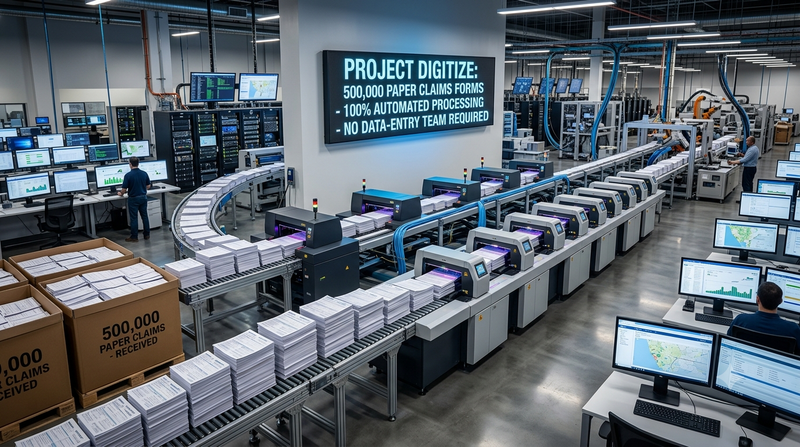
Insurer digitises 500,000 paper claims forms with no data-entry team
ICR extraction processes handwritten claim forms at ingest. Required fields are validated automatically. Low-confidence fields enter a review queue staffed by a fraction of the original team.

Hospital network extracts structured data from scanned patient intake forms at admission
Scanned intake forms are OCR-processed on arrival. Patient name, DOB, insurance details, and consent signatures are extracted, validated against the EMR, and stored as governed records in under 30 seconds per form.
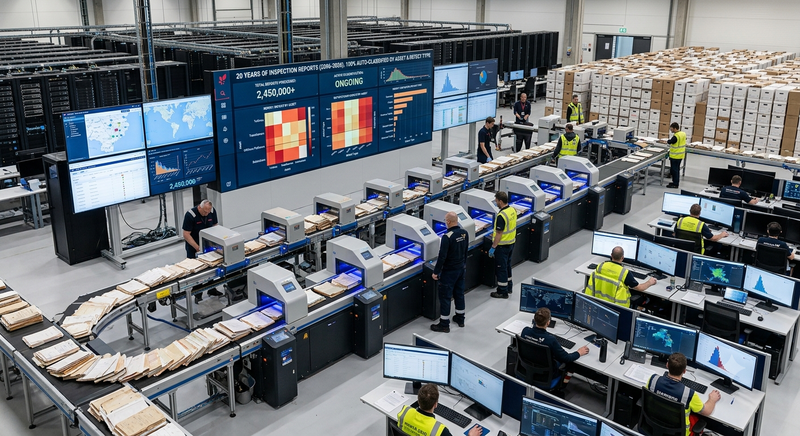
Energy company auto-classifies 20 years of inspection reports by asset and defect type
AI classification tags every newly ingested inspection report with asset ID, defect class, and regulatory regime. Historical records are batch-processed to the same schema — one unified view of the inspection history.
OCR & Metadata FAQs.
Let's clear things up.
We know — OCR, ICR and field extraction can feel overwhelming. TeamSync brings them into one pipeline that runs on every document you ingest.
Whether the page is a clean PDF or a decade-old scan, we are here to make the data inside it usable.
IDP is the pipeline that turns an unstructured document into structured data: capture, OCR or ICR, classification, field extraction and validation. The governed version adds a confidence score per field and an audit record of what was extracted and by whom.
Extraction runs automatically on ingest: OCR reads the page, classification identifies the document type, and type-specific rules populate the fields you defined - invoice number, effective date, counterparty - as metadata on the document record.
Accuracy varies with scan quality, which is why every extracted field carries a confidence score. Anything below your threshold routes to a review queue rather than entering the repository unverified - so a bad scan becomes a short review task, not a silent data error.
Usually a much smaller one, focused on the low-confidence exceptions rather than every document - the insurance example on this page processes 500,000 handwritten claim forms with a fraction of the original team.
Extracted fields become searchable metadata on the document record and feed the retention schedule, so a document's own contents determine how it is found later and how long it is kept.
30 minutes with a solutions engineer who already speaks your industry.
No pitch deck. We will either show you a clear path forward or tell you we are not the right fit. Bring the toughest question on your desk this week.