On this page
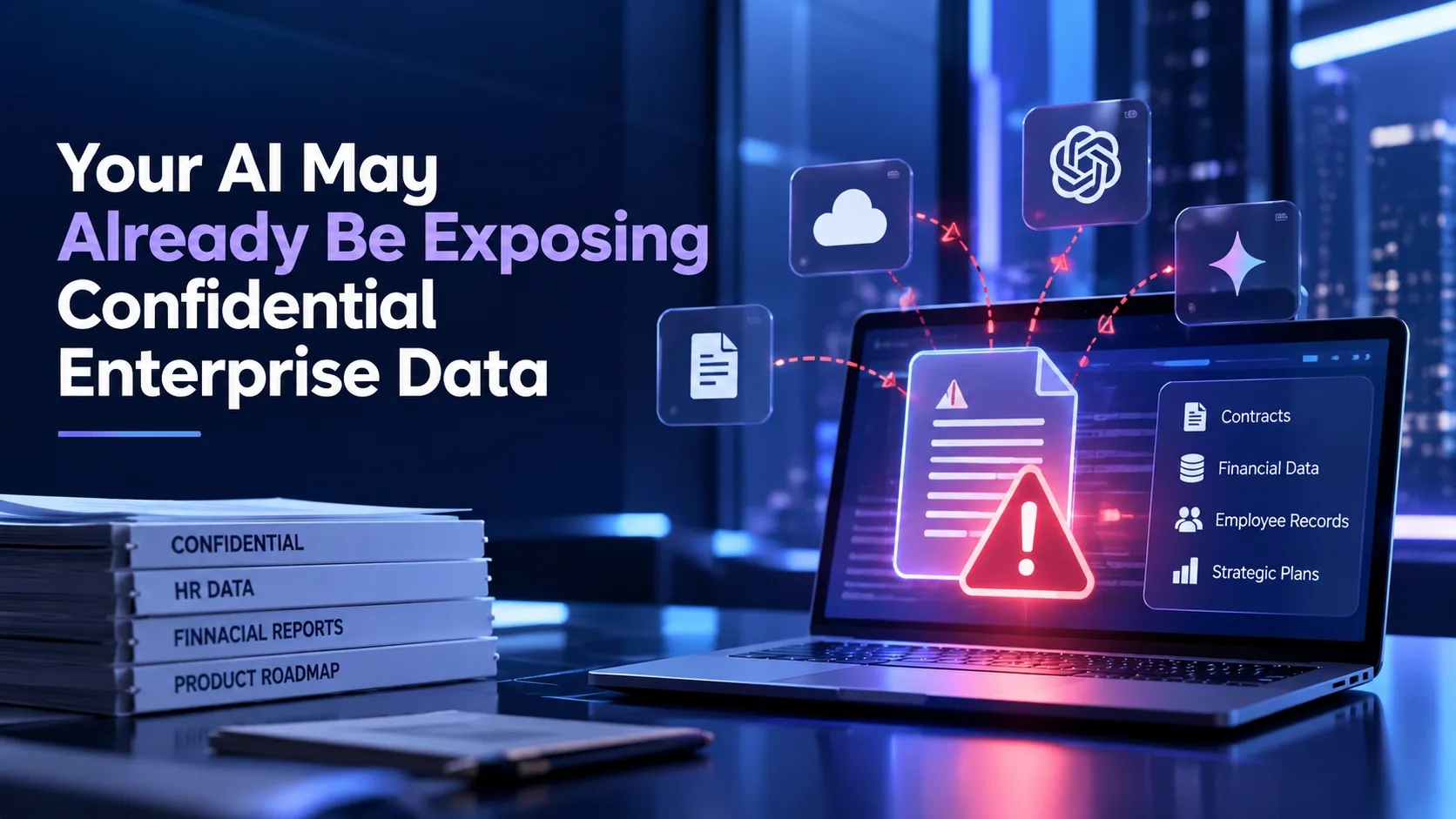
You've rolled out an AI assistant across your organisation. People are asking questions, pulling summaries, and getting answers faster than ever. But here's something worth pausing on: Does your AI actually know what it's not supposed to show?
Most enterprise AI tools are built to be helpful, but helpfulness without guardrails creates real exposure. That gap is exactly what permissions-aware AI is designed to close. And once you understand what it really means, you'll start noticing how many platforms are quietly missing it.
What Is Permissions-Aware AI?
Permissions-aware AI is an AI capability that respects a user's existing access rights when retrieving information. The idea is straightforward: if you don't have access to a document, the AI doesn't see it either.
This must sound obvious. But it isn't how most systems work.
In a typical setup, AI models are indexed on large pools of organisational data. When someone asks a question, the AI pulls the most relevant information from that pool, often without checking whether the person asking is actually allowed to see it. A junior analyst could receive a summary drawn from a confidential board memo. A vendor might get an AI response rooted in your internal legal strategy.
True permissions-aware AI answers questions within the boundaries of what that user is authorised to know, nothing more.
Why Permissions Matter for Enterprise AI
In industries like legal, HR, government, education, and engineering, controlling who sees what isn't just good practice; it's a regulatory requirement.
Think about a law firm managing thousands of case files. Partners have full access; associates are scoped to their assigned matters; support staff sees even less. A document management system that doesn't carry that hierarchy into its AI layer is a liability. The same applies to a government agency handling procurement records, or an HR team managing performance reviews.
The problem is that many platforms bolt the AI layer on top of the storage layer without connecting it to the permissions layer in between. The files have the right locks. The AI just ignores them.
Frameworks such as GDPR, India's DPDP Act, HIPAA, and FedRAMP all rely on documented access controls. When AI access control documents enforcement is missing, compliance becomes difficult to demonstrate.
How Permissions-Aware AI Improves Security and Compliance
When AI operates inside your permissions architecture, a few important things happen.
Oversharing is prevented by design: Instead of relying on users to ask questions carefully, the AI structurally cannot surface information outside their access scope. The restriction lives in the retrieval mechanism, not as a policy layer on top.
Audit trails become useful: When every AI query is tied to the permissions context of the person making it, providing a traceable record of what was accessed, when, and by whom. For legal discovery, HR investigations, or government audits, that's the difference between a defensible log and an unexplainable one.
Compliance reflects real-time changes: Role updates, terminations, and project reassignments all change access rights. When permissions-aware AI checks those rights at query time, not at the time a file was indexed, those changes take effect immediately.
This last point is critical. Many platforms check permissions when a document is first ingested into the AI's knowledge base. But access rights change constantly. A document that was open to everyone six months ago may now be restricted. A system that only checked at ingestion will still return it. A true permissions-aware AI document management system such as TeamSync verifies access at the moment of every single query.
How to Test If Your Platform Actually Has It
You don't need a full audit. A few practical checks will tell you a lot.
Query as a restricted user: Have someone with limited access ask the AI about a document they shouldn't see. Does the AI return that content, even in paraphrased form? If yes, permissions aren't enforced at retrieval.
Change a permission mid-session: Revoke access to a file while a user is active. Ask the AI about that file immediately after. Does it update in real time, or pull from a cached index?
Ask for cross-department summaries: A finance-only user shouldn't receive a summary that draws from HR compensation data, even if both live on the same platform. If it blends restricted content, the boundaries aren't working.
These aren't edge cases. They happen every day in large organisations. The question is whether your document management system is quietly respecting the rules or actually bypassing them.
How TeamSync Handles This
TeamSync ingests content in place, meaning the AI sees what the user sees, with permissions enforced at retrieval every time. When a legal associate queries DocuTalk, they get answers drawn only from documents within their access scope. When a government officer uses semantic search, records outside their clearance don't appear. The AI doesn't know they exist because, for that user, they don't.
TeamSync also supports fully air-gapped deployments, so the entire platform, including its AI capabilities, runs within your network with no data leaving your premises. For government agencies, defence organisations, and regulated enterprises, this is what secure enterprise AI deployment actually looks like.
If you're evaluating a document management system for your organisation, access control at the AI layer should be non-negotiable.
TeamSync is built for organisations where security isn't an afterthought.
Book a demo today → https://www.teamsync.com/